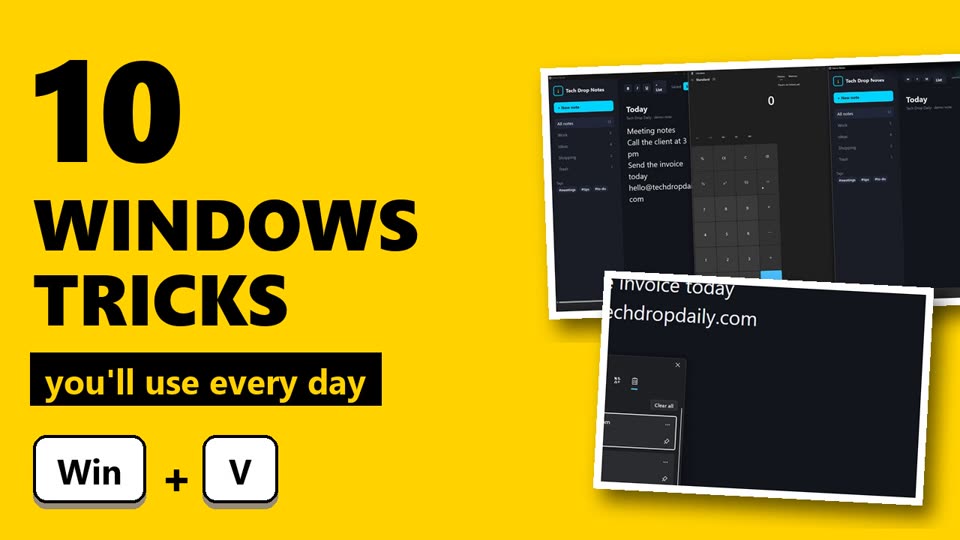
Tech Drop Daily courseWindows 11 Made EasyWinVZE
Pre-orderVideo course · 20 lessons · about 64 min · certificate of completion
Windows 11 Made Easy
Use Windows 11 like a pro in one weekend: 20 short lessons with the exact keys and clicks, nothing to install.
$19 $24
See all 20 lessons
Module 1: Get around faster
- Start menu and search that finds things
- Taskbar the way you want it
- File Explorer essentials
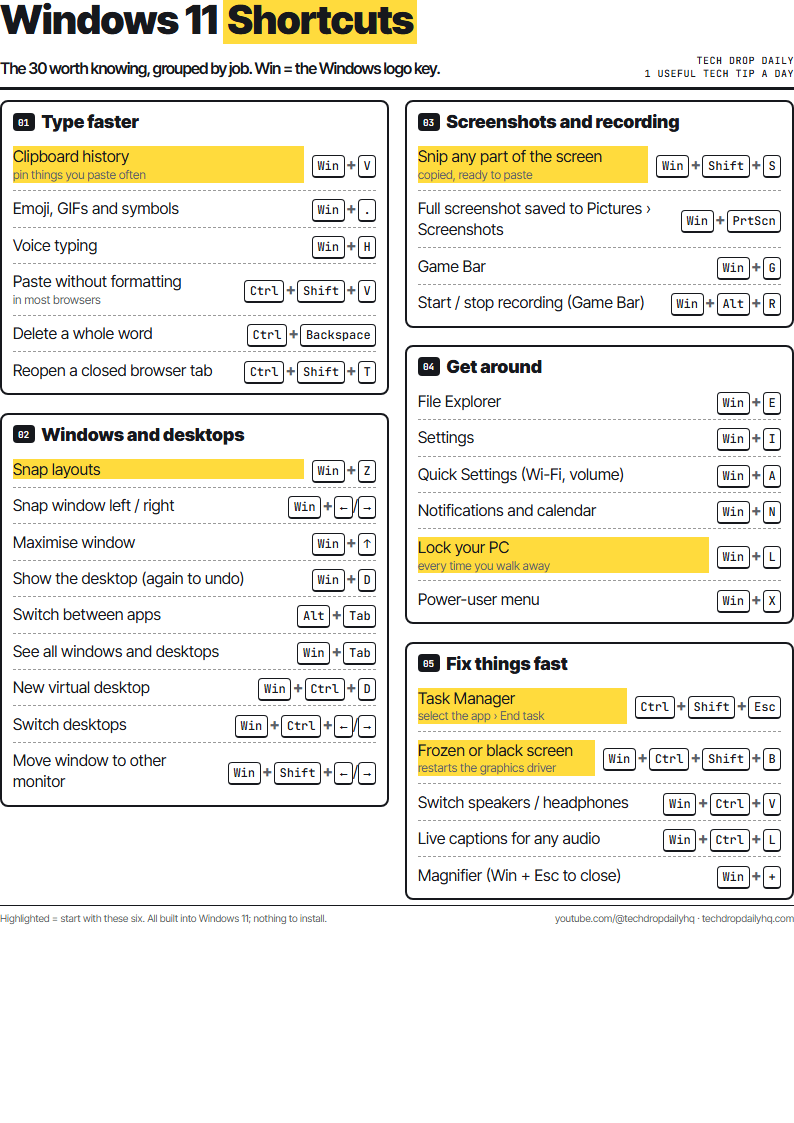
- The 10 shortcuts worth knowing
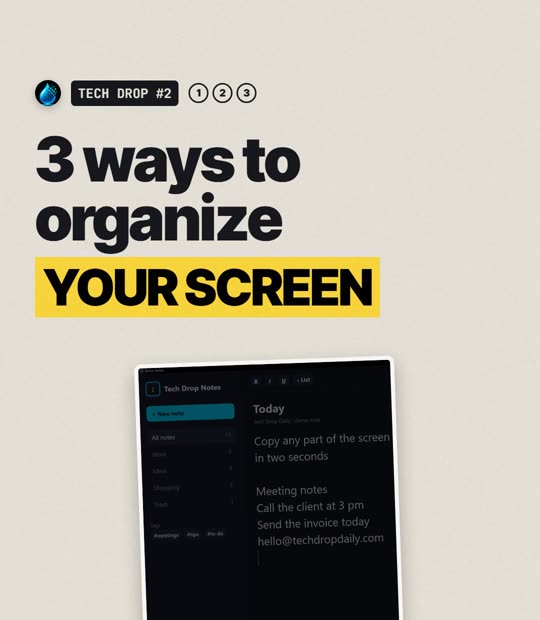
Module 2: Organise your screen
- Snap layouts
- Virtual desktops for work and home
- Screenshots and screen recording
- Focus and Do not disturb
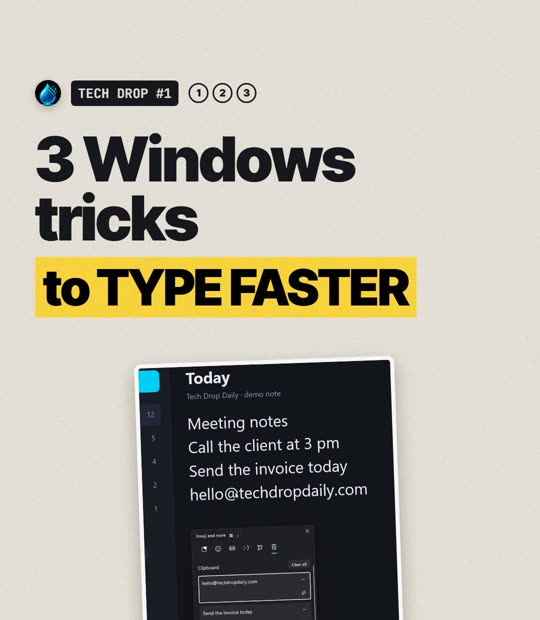
Module 3: Type and work faster
- Clipboard history
- Emoji and symbols
- Voice typing
- Copilot in Windows, used sensibly
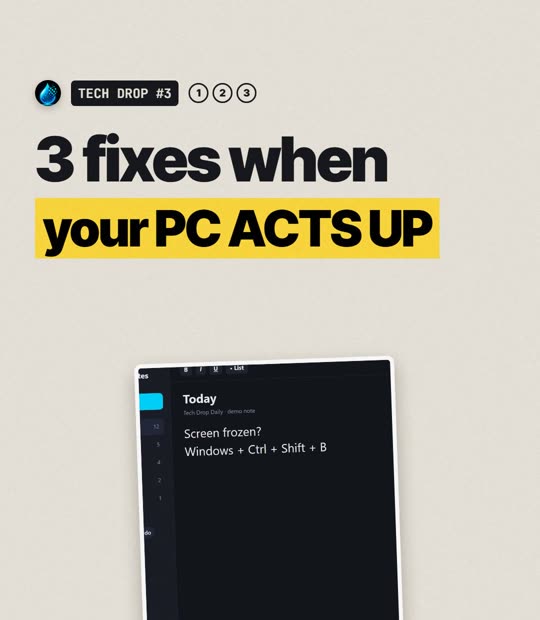
Module 4: Fix it yourself
- Frozen or black screen
- App not responding
- Sound from the wrong speaker
- Faster start-up
- Free up space safely
Module 5: Keep it safe
- Windows Update done right
- Back up your files
- Lock it down: PIN, passkeys, Find my device
Pre-order: lessons open on 15 Dec 2026. Pay now at the launch price ($19 instead of $24). If the course isn't delivered, you get a full refund. Secure checkout with PayPal or card.